
Organisations can allow OmniGuard users (responders) to raise duress alerts in Command. This is useful if a responder is responding to an alert and requires backup from other responders in the area.
To view the Responder Duress Settings, click on Admin -> Zone Configuration -> Global Settings -> Responder Duress Settings
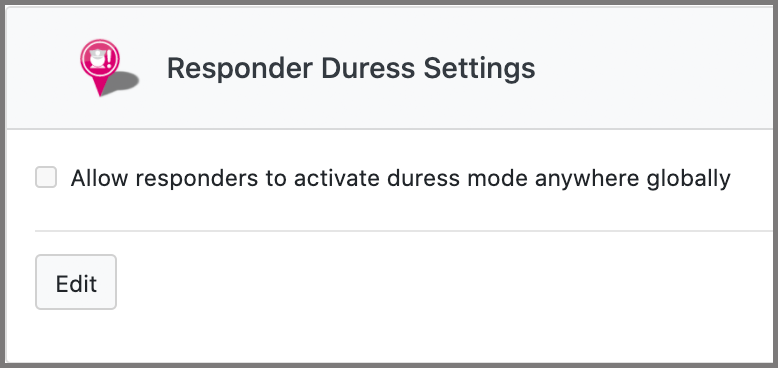
To configure the Responder Duress Settings:
- Click on Edit
- To allow responders to activate duress alerts through OmniGuard tick the check-box for Allow responders to activate duress mode anywhere globally
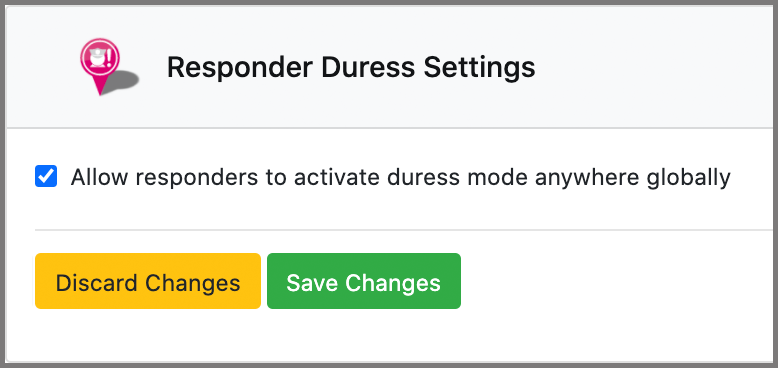
- Click Save Changes to save your changes otherwise, click Discard Changes to discard.
Once this feature is activated, responders can raise duress alerts in OmniGuard by tapping on the menu button and turning on the toggle for DURESS MODE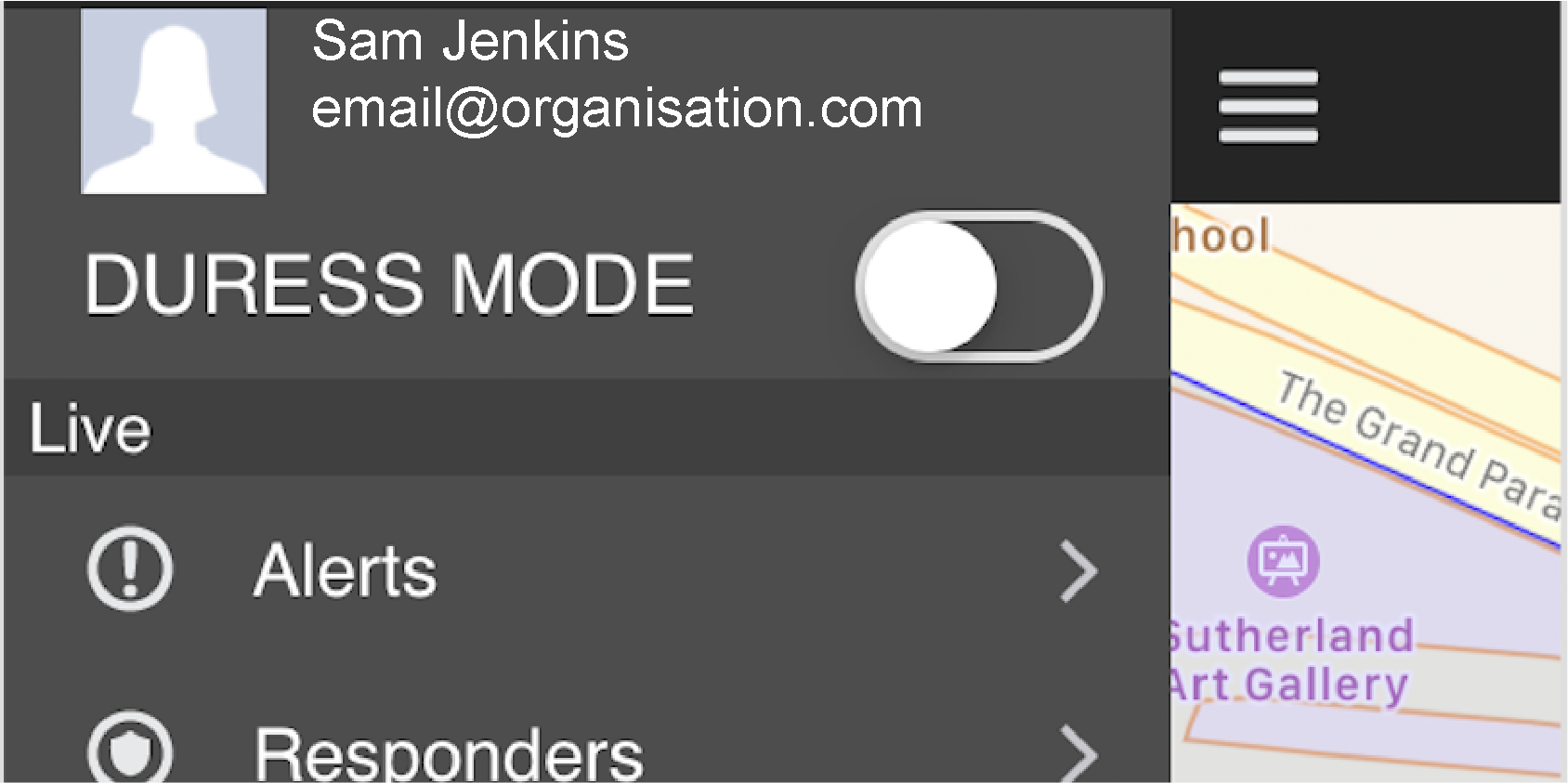
Comments
0 comments
Please sign in to leave a comment.